
New session
Creates a fresh rmux session and enables a local Web Share.
shell
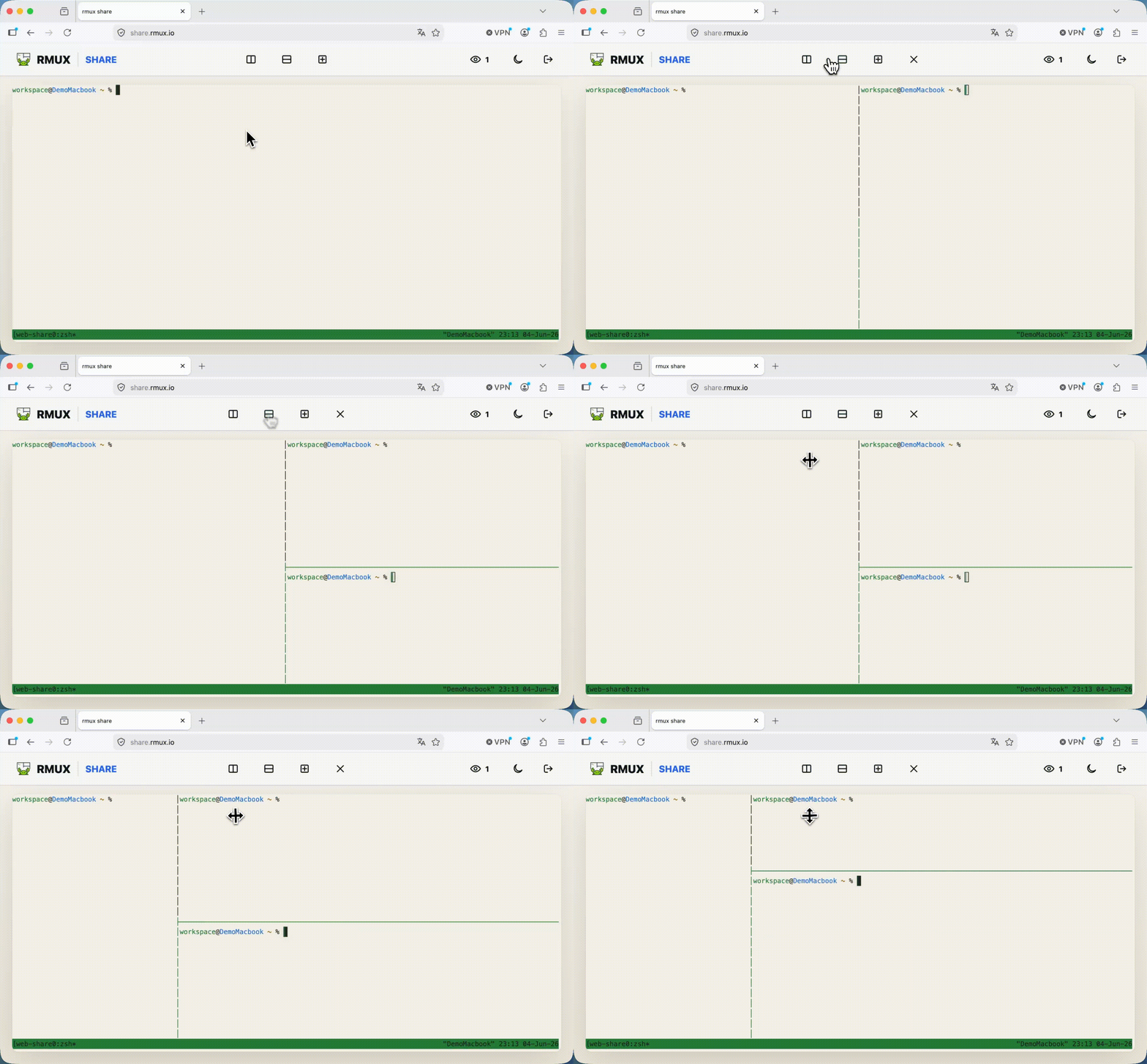
rmux web-shareWeb Share creates browser links for an rmux pane or session. The shell (PTY) stays on your machine; the browser receives encrypted frames and decrypts them locally.
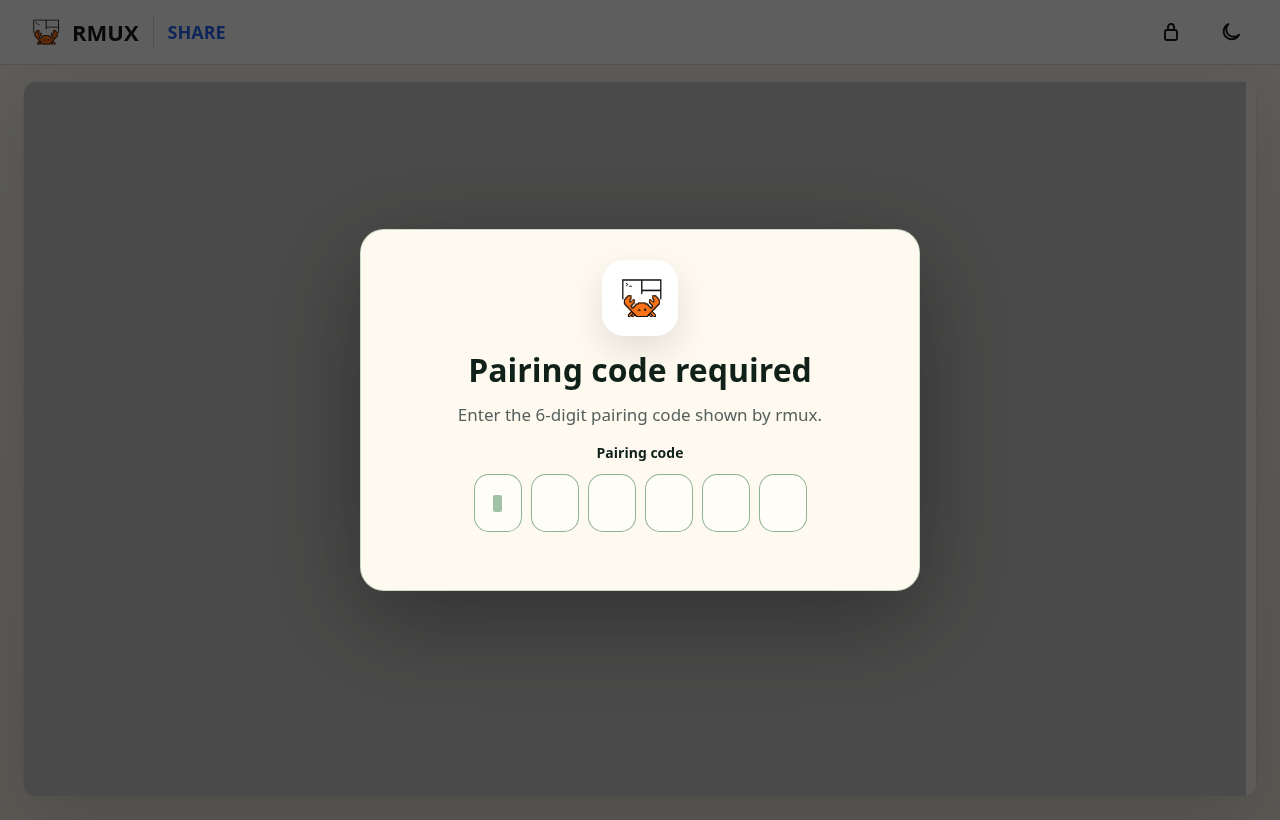
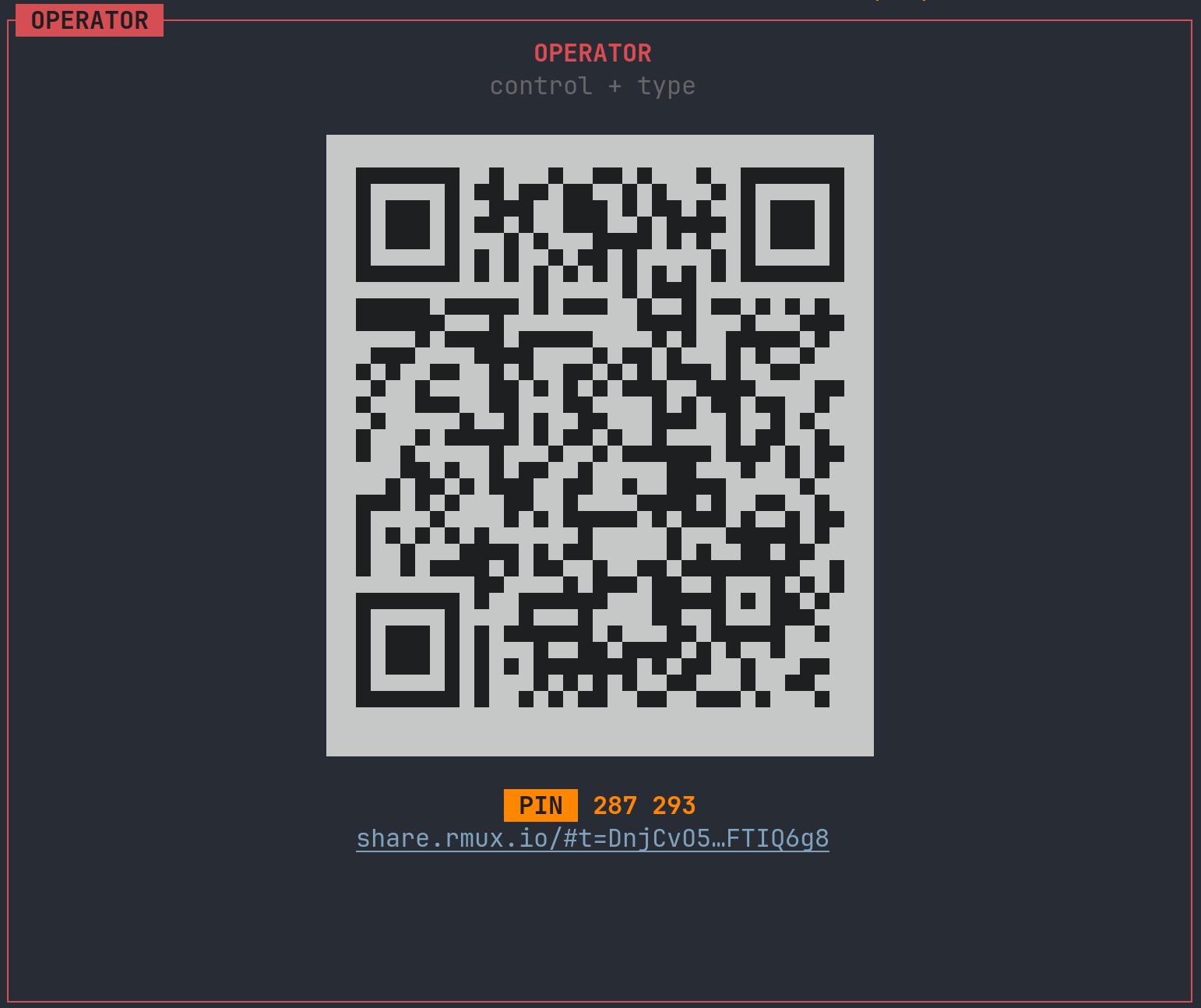
Create separate operator and spectator links, then require the matching pairing PIN before a browser connection opens.
Choose how Web Share is reached from the internet: private Tailnet, public tunnel, or your own ingress. Tunnels see the handshake and encrypted frames, never terminal content, PINs, or the raw token.
rmux web-share --tunnel-provider tailscale-serveAccess stays inside your Tailnet. Nothing is exposed publicly.
rmux web-share --tunnel-provider localhost-runCreates a public reverse tunnel when Tailnet access is not possible.
rmux web-share --tunnel-url https://terminal.example.comUse Cloudflare, Caddy, nginx, or another reverse proxy you already run.
rmux web-share --tunnel-provider tailscale-serve

rmux web-share --tunnel-provider localhost-run

rmux web-share --tunnel-url https://terminal.example.comTailscale keeps shares private when possible. The SSH presets are public fallbacks outside your Tailnet.
| Preset | Exposure | Underlying command | Prerequisites |
|---|---|---|---|
tailscale-serverecommendedReachable only by devices in your own Tailnet. Nothing is exposed publicly. | Private | tailscale serve --yes {port} | Tailscale + operator rights |
tailscale-funnelrecommendedPublishes on your *.ts.net name without opening any firewall port. | Public | tailscale funnel --yes {port} | Tailscale + Funnel enabled |
Zero-setup public URL over an SSH reverse tunnel (*.lhr.life). | Public | ssh -R 80:{host}:{port} [email protected] | OpenSSH client |
serveoPublic URL over SSH (*.serveousercontent.com). | Public | ssh -R 80:{host}:{port} serveo.net | OpenSSH client |
sandholePublic URL over SSH (*.demo.sandhole.com.br). | Public | ssh -R 80:{host}:{port} demo.sandhole.com.br | OpenSSH client |
srv-usPublic URL over SSH (*.srv.us). | Public | ssh srv.us -R 1:{host}:{port} | OpenSSH client |
Use tailscale-serve for private Tailnet access. Use tailscale-funnel when you intentionally want a public *.ts.net link.
rmux web-share --tunnel-provider tailscale-serve

rmux web-share --tunnel-provider tailscale-funnelbrew install tailscalewinget install --id tailscale.tailscalecurl -fsSL https://tailscale.com/install.sh | shsudo tailscale upsudo tailscale set --operator=$USERrmux web-share --tunnel-provider tailscale-serve--tunnel-provider tailscale-funnel.Serve the static web client from your own domain. share.rmux.io is open source and serves static files only: HTML, JavaScript, and the crypto WASM.
git clone https://github.com/Helvesec/rmux-web-share
cd rmux-web-share
npm install
npm run build

rmux web-share --frontend-url https://share.example.comCreate, list, inspect, and tear down shares from the command line, or drive the whole thing from Rust.
rmux web-share -t work
rmux web-share -t work --spectator-only
rmux web-share -t work --pin-operator 481516 --pin-spectator 234200
rmux web-share -t work --max-operators 1 --max-spectators 20
rmux web-share -t work --ttl 3600
rmux web-share -t work --tunnel-provider tailscale-serve

rmux web-share list
rmux web-share lookup <share-id>
rmux web-share stop <share-id>
rmux web-share off
rmux web-share configuse std::time::Duration;
let share = pane
.share()
.operator_pin("481516")
.spectator_pin("234200")
.ttl(Duration::from_secs(3600))
.await?;
if let Some(url) = share.spectator_url() {
println!("spectator: {url}");
}
if let Some(pin) = share.operator_pairing_code() {
println!("operator PIN: {pin}");
}
share.stop().await?;Web Share keeps execution local, encrypts every terminal frame, and treats tunnels as blind transport.
The PTY, processes, scrollback, panes, windows, and sessions stay inside the local rmux daemon. The browser receives encrypted updates, decrypts them locally, and renders the terminal.
It only serves HTML, JavaScript, and the crypto WASM. It does not host shells, PTYs, or WebSocket tunnels.
Tailscale, SSH reverse tunnels, and custom ingress can see handshake metadata and encrypted frames. They cannot read keystrokes, PINs, the raw token, or terminal cells.
Browser crypto comes from the Rust crate rmux-web-crypto. CI rebuilds the production WASM from source, checks it against provenance, and the browser loads it with an integrity pin.
4afdfc60c95d497a17b6cb3dd89f10cb32aa2673bc4524498a9e2c4e6a99fad6X25519, ML-KEM-768, and the share token feed HKDF-SHA256.ChaCha20-Poly1305 protects terminal frames per connection.#fragment, so browsers do not send it to the host.share.rmux.io ships with a deny-by-default CSP, no-referrer, nosniff, and a restrictive Permissions Policy.unsafe is forbidden in the crypto crate.Tunnels are not trusted. The browser page is. Use the audited share.rmux.io build, or self-host the static frontend when you want to own that boundary too.
A hybrid post-quantum handshake derives per-connection ChaCha20-Poly1305 keys in the browser. The tunnel never sees your terminal, and the frontend is just static files.
Browser and daemon exchange short-lived curve keys.
Post-quantum key material is mixed into the same transcript.
The URL fragment adds the raw token secret; only a derived token id appears on the wire.
All inputs are bound to the handshake transcript.
Per-connection keys encrypt terminal frames between browser and daemon.
Both ends derive the same session keys from these three inputs. Hybrid encryption means an attacker would need to defeat both X25519 and ML-KEM to recover session keys. Without the URL token secret, an observer cannot derive those keys.
Tunnels can see the handshake and ChaCha20-Poly1305 frames, not terminal data. They cannot read or tamper with a single keystroke or cell.
share.rmux.io ships only HTML, JavaScript, and the crypto WASM. It just renders frames the browser decrypts locally; it does not host shells or PTYs.
The PTY runs only on your local daemon. The raw token stays in the URL #fragment; the wire only carries a derived token id.